


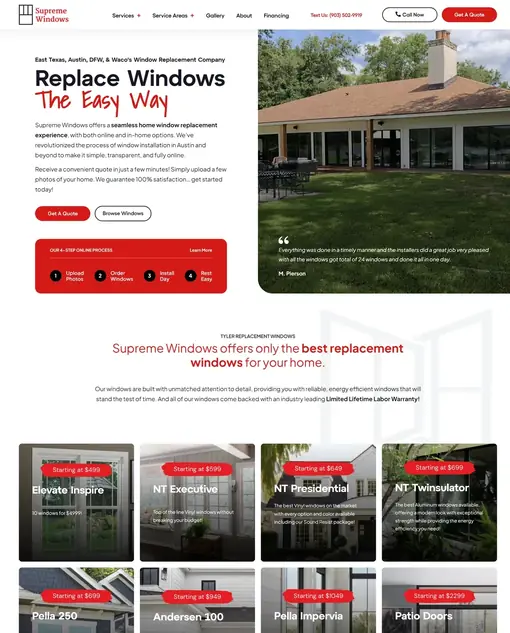
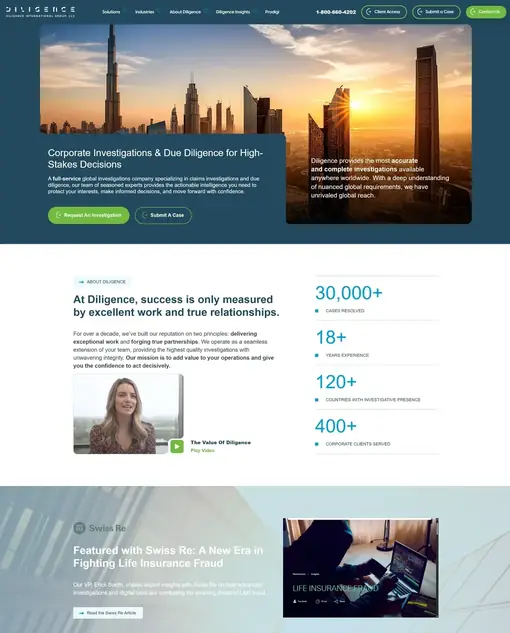
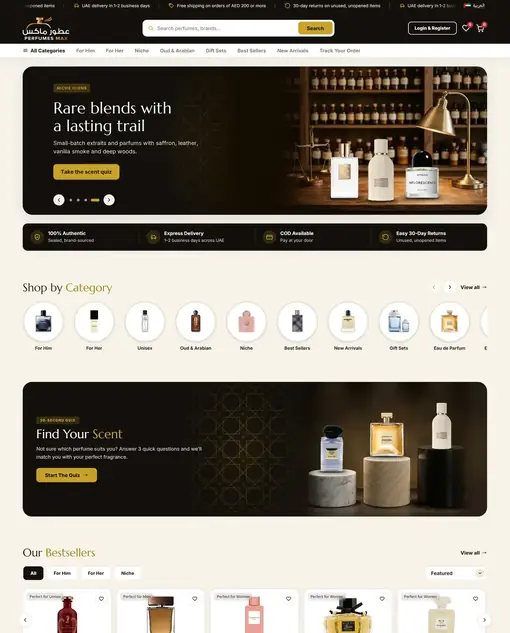


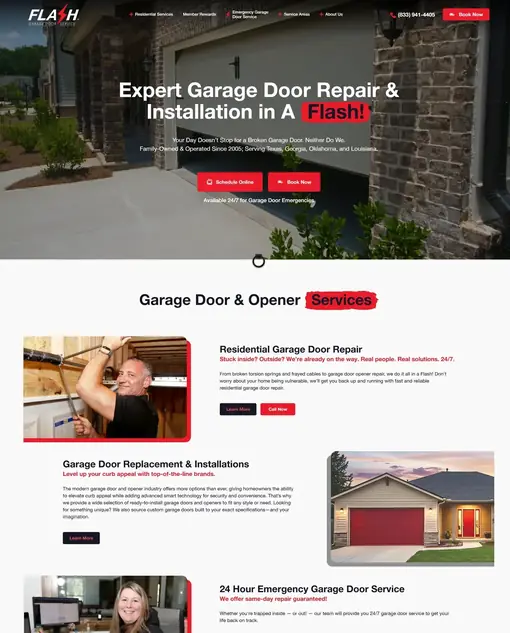

Transforming Ideas Into Digital Solutions

We deliver cutting-edge web, mobile app, and Shopify solutions, blending technical expertise and creative design. We empower businesses with tailored digital strategies, driving growth and success in an ever-evolving digital world.

Featured Services

Web Development

Shopify Solutions

Mobile App Development

UI/UX Design

Why Choose NeoDigify?

Testimonials

Mahruf and his team was very professional, reliable, and highly skilled throughout our Shopify migration project. He handled the technical aspects of the DanDomain to Shopify transfer efficiently and communicated clearly at every step. The project was completed on time, and any issues that arose were resolved quickly. I especially appreciated that he offered video consultations whenever needed — it made the process smooth and transparent. I would definitely recommend him.
Kevin N.

Denmark

Working with NeoDigify was one of the best decisions I made for my business. I had been selling through different platforms and local contacts, but it was time to take things online properly. The team built a custom, fully editable Shopify theme that was exactly what I needed. They even integrated Klaviyo so I could start building my email marketing right away.
Tom (Owner of Mummy & Me)

USA

NeoDigify did an incredible job transforming my messy, half-built stock management system into a fully functional solution. I was struggling to manage sales and inventory across Amazon, Shopify, and eBay using Excel and an unfinished AI tool. Their team took over, cleaned up the code, added key features like profit tracking and sales graphs, and delivered exactly what I needed. Fast, responsive, and professional—highly recommended!
David Fairgrieve

UK

NeoDigify team truly excels in website development! Their work was meticulous, and professionally executed, making the entire process a breeze. Not only were they extremely responsive, but they know their stuff and dedication to going above and beyond left a lasting impression.
David Fairgrieve

UK

I hired Big D Creative after interviewing several website developers for my new company website. They were extremely attentive to all of my requests and worked with me along the way to get the website exactly like we needed it. After the website launched, we had some issues with the Google Maps feature and Big D Creative immediately helped me resolve the issue. I would recommend Big D Creative to anyone looking at building a new website for their company.
Brett McDonald

USA

Partnering with NeoDigify for our Figma design project was a great decision. They instantly understood our needs and delivered designs that were modern, intuitive, and on-brand. What stood out most was their ability to balance aesthetics with usability. The process was smooth, communication was prompt, and revisions were handled quickly. Their team made the entire experience easy and stress-free. We’re thrilled with the final result and would confidently recommend NeoDigify to anyone seeking professional and polished design work.
Alex

United States

I recently worked with NeoDigify on a Figma design project, and I couldn’t be more pleased with the results. Their creativity and attention to detail truly brought my vision to life. The designs were not only visually stunning but also highly functional and user-friendly. Communication was seamless throughout the process, and they were very responsive to feedback and revisions. I highly recommend NeoDigify for anyone in need of top-notch Figma design work. Thank you for an outstanding job!
Zaky

Australia

Featured Portfolio

A checkout is the one page on a store that anyone on the internet can submit to, repeatedly, for free, which is exactly why card-testing bots live there. Because most captcha plugins only hook the classic checkout form, they stop working the moment a store switches to the WooCommerce Checkout block. That block does not submit a form at all. It posts JSON to the Store API, and a plugin listening on woocommerce_checkout_process never sees the request. The route stays open even on stores whose visible checkout still uses the classic shortcode, so a bot does not need your checkout page. It only needs the route.

Why we built this WooCommerce reCAPTCHA plugin around a scanner

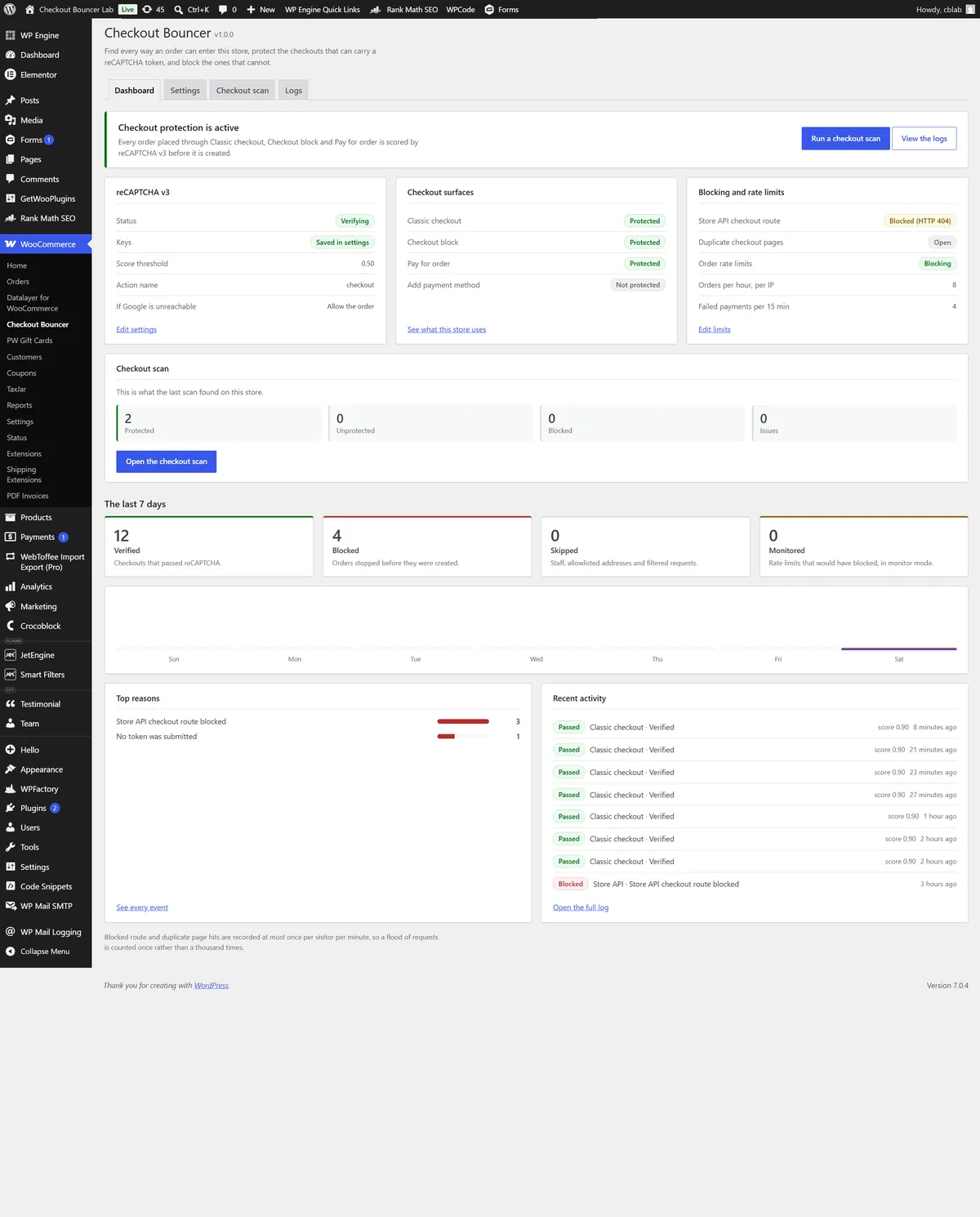
Rather than ship another captcha checkbox, we built the scanner first. Checkout Bouncer opens the store, works out how the checkout is actually rendered, and reports back in plain English. It recognises the Checkout block, the classic shortcode, and layouts built in Elementor, Divi, WPBakery, Beaver Builder, Bricks or Oxygen by looking inside the builder’s own saved layout. It resolves the Store API route, the pay-for-order page and the add-payment-method endpoint, and it hunts down rogue duplicate checkout pages left behind by theme demos and staging copies. Every route it finds carries a severity and a one-click Protect or Block.

When a token has nowhere to travel

The complication was that not every route can carry a token. reCAPTCHA needs somewhere to attach one, and a Store API route hit directly on a store that checks out through the classic form has nowhere to put it. So the plugin registers proper Store API extension data where a token can travel with the order, and where it structurally cannot, it offers to return a 404 or a 403 for that route instead. Store staff and allowlisted addresses are always let through. Detect, protect, block, in that order.

Throttling, allowlists and anonymised logging

Around that sits a gateway-agnostic order-rate throttle with a monitor mode that records without blocking, an events dashboard with seven-day statistics and CSV export, per-gateway targeting, an IPv4, IPv6 and CIDR allowlist, and fail-open handling so a Google outage does not become the store’s outage. Client addresses resolve from REMOTE_ADDR only unless a filter explicitly opts into a proxy header, so an allowlist entry cannot be reached with a spoofed one. Logging is anonymised throughout: hashed throttle buckets, salted email digests and a daily retention purge.

The result is a WooCommerce reCAPTCHA plugin that treats a checkout as a set of routes rather than a single page, and closes each one on its own terms. We also designed and built the Checkout Bouncer product site and its custom WordPress theme.

For a related caching problem on WooCommerce, see how we fixed a YITH quote counter stuck behind WP Engine cache.

Checkout Bouncer is our own free WooCommerce security plugin on WordPress.org, and this is the WooCommerce plugin website that sells it. Because the people landing on it arrive mid-incident, annoyed and already sceptical of security plugins that promise everything, the usual playbook of shields, threat language and a dashboard floating at fifteen degrees would have read as more noise from the same crowd. Rather than dress it up, we built a purpose-made classic WordPress theme around one idea borrowed from the product itself: a checkout is a door, and this page is the door and its entry-control equipment. Painted steel ground under a single entry lamp, brushed plates with hairline edges, lettering engraved into the panel, verdicts stamped in matte rose rather than glowing.

Selling a plugin with no social proof

The complication was that we had nothing conventional to prove the claim with. No install counts, no star ratings, no testimonials, because the plugin had only just launched, and inventing them was never an option. So the hero shows the product doing its job instead: a live example of scanner output listing six routes an order can enter a store through, three protected, two open, one blocked. The proof is the mechanism, not a logo wall.

Building the WooCommerce plugin website

The build replaced a third-party Extendable block theme with a lean bespoke one. Every page is authored in the block editor, so content can be edited without going near a template, while the theme itself stays classic and light. Every colour is a token declared once at :root, the fonts are self-hosted rather than pulled from Google, and there is no gradient decoration, no glass and no glow anywhere in it. The one radial light source in the hero is the entry lamp, because that is part of the stated world rather than decoration.

Documentation, support and measured performance

The site does more than sell. It carries full product documentation with search across it, so someone hunting a specific setting lands on the right page instead of scrolling a wall of text. We also built a support ticket system into the site, so a store owner can raise an issue and attach the detail we actually need to answer it, rather than opening a forum thread and waiting.

Those forms are exactly the kind of open, public target the product exists to defend, so we protected them the same way the plugin protects a checkout: Google reCAPTCHA v3 scoring every submission in the background, backed by a honeypot field. There is no puzzle and no checkbox. A genuine visitor never sees any of it.

It holds up under measurement. Lighthouse scores the homepage 96 for performance and 100 for accessibility, best practices and SEO on desktop, with first contentful paint at 0.3 seconds, largest contentful paint at 0.4 seconds and total blocking time at zero. That is what self-hosted fonts, no framework and a theme that ships only what the page needs will buy you.

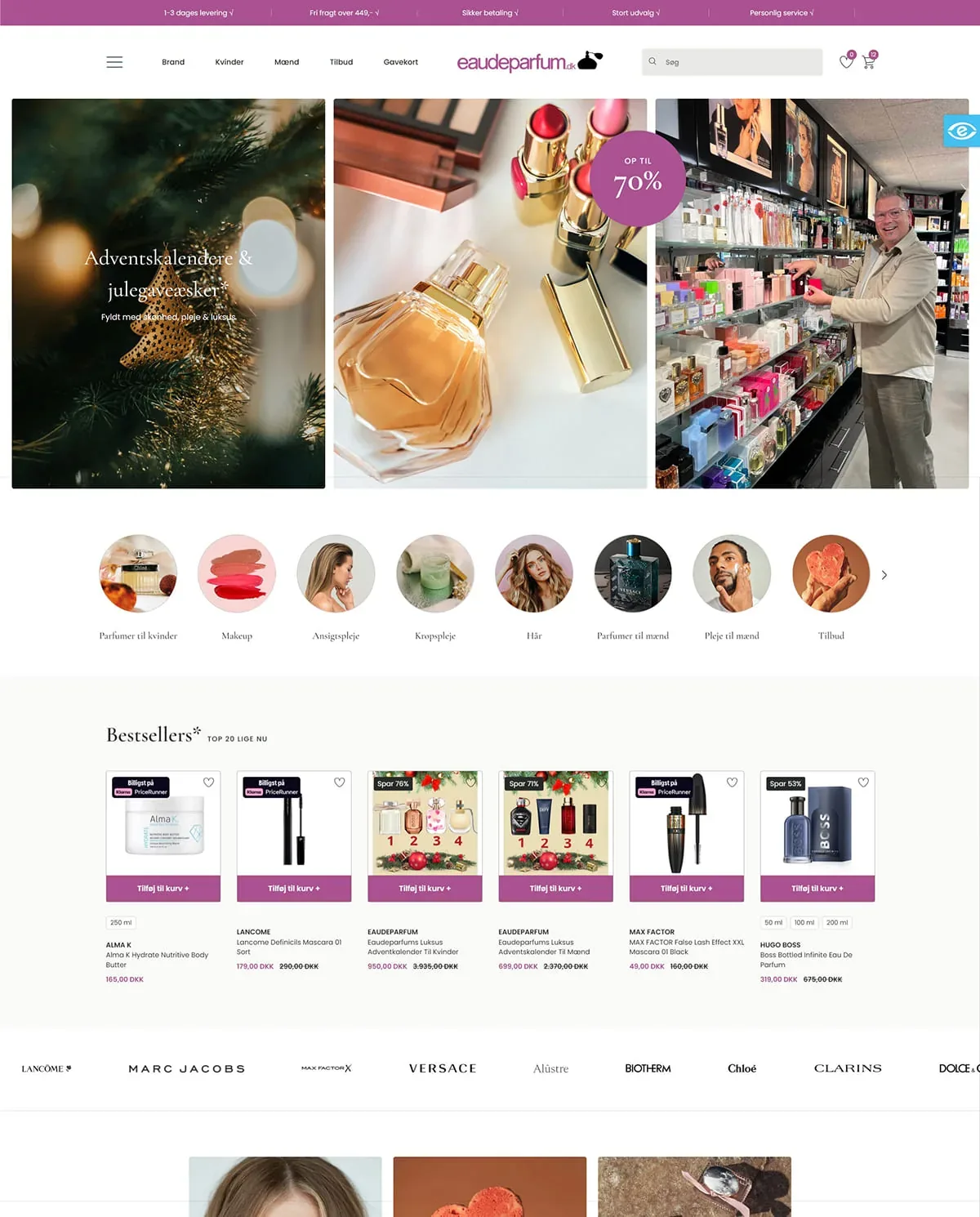
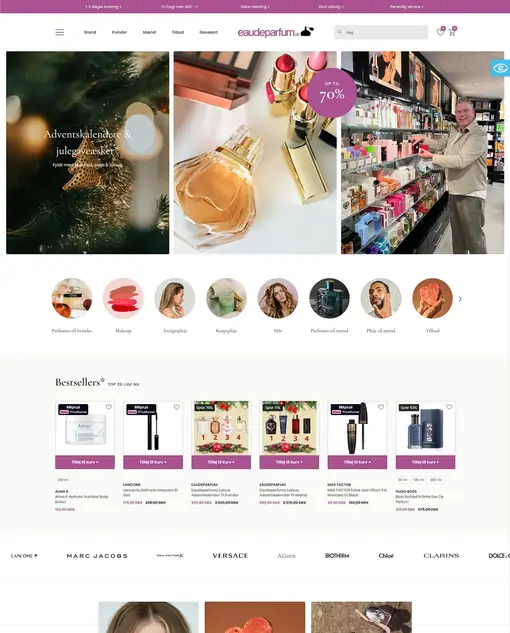
We began the DanDomain to Shopify migration by analyzing the existing DanDomain structure and API limitations. Since DanDomain restricts data retrieval to 100 items per call, we developed a custom API pagination and data caching system to ensure every record (including 6,157 products, 54,227 customers, and 53,380 orders) was securely fetched and stored in a local database.

Once all data was collected, we converted the product catalog into Shopify-compatible CSVs, including variants, SKUs, pricing, media, and metafields. Using Shopify’s GraphQL Admin API, we then recreated the entire category hierarchy, mapping each DanDomain category into a Shopify Collection while optimizing internal linking for SEO.

Next, we migrated all customer accounts and order histories, preserving payment, fulfillment, and transaction details. Each customer profile was imported with accurate contact data, and post-migration password resets were configured for secure reactivation.

Custom Theme Development

We designed and developed a custom Shopify theme based on Adobe InDesign files provided by the client. The goal was to match the original branding while modernizing the experience with:

  • Interactive mega menu
  • Smart product filters and predictive search
  • Dynamic AJAX cart
  • Fully responsive layouts optimized for mobile
  • SEO-friendly markup with JSON-LD schema and meta tags

The new design combined aesthetics with functionality, resulting in smoother navigation, improved user engagement, and higher checkout completion rates.

POS & Multi-Location Integration

We implemented Shopify POS for two physical store locations, connecting real-time inventory management and sales reporting. This integration enabled barcode-based checkout, stock synchronization, and unified analytics between online and offline sales.

Technology Stack

  • Languages & Frameworks: JavaScript, jQuery, LiquidJS, TailwindCSS, HTML5, CSS3
  • APIs: DanDomain API, Shopify GraphQL Admin API, Shopify REST API
  • Database: MySQL (Migration database reformatting)
  • Performance Enhancements: Cloudflare CDN, lazy loading, Liquid caching, asset minification
  • SEO Setup: Structured data, canonical URLs, and 301 redirects

Results of the DanDomain to Shopify Migration

The migration transformed the DanDomain webshop into a fast, scalable, and growth-focused Shopify store.

  • Sales increased by 200% in one week
  • Page speed doubled, improving mobile usability
  • All SEO rankings retained, preserving organic performance
  • Inventory and POS fully synchronized, reducing operational friction

Today, the live Shopify store runs smoother, loads faster, and converts visitors into customers more efficiently than ever. This is a complete evolution from DanDomain to a future-ready Shopify ecosystem. For conversion work on an existing Shopify store, see our Shopify conversion optimization for TryMommyandMe.

The full technical write-up, covering the API cap, the collection handles and the redirect map in detail, is our case study on the DanDomain to Shopify migration.

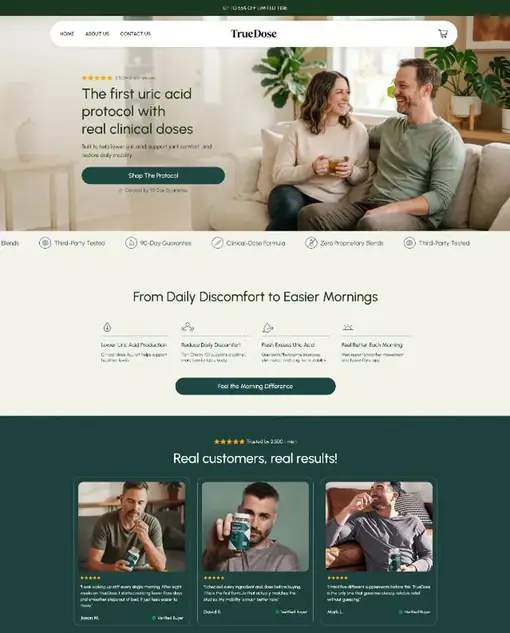
We developed a fully editable Shopify theme that empowered Tom to manage content easily, launch campaigns faster, and scale effortlessly from a provided figma design on the first place. The store was integrated with Klaviyo, enabling automated email marketing flows and customer retention strategies.

For the front-end development, we initially used jQuery to rapidly prototype dynamic layouts and interactions. Once approved, the entire codebase was converted into Shopify’s Liquid templating language for native compatibility, improved performance, and long-term maintainability.

Shopify Conversion Optimization

After launch, Tom faced a major challenge: high ad spend with low returns. Our Shopify conversion optimization team analyzed user behavior and made several targeted improvements going beyond the initially provided design to the landing page that delivered remarkable results:

  • Set up Upsells & Cross-Sells on both the Product Page and Cart
  • Added a Floating Review Widget in the first fold to boost instant trust
  • Optimized Page Speed for faster loading and smoother browsing
  • Implemented Google Schema Markup for better SEO visibility
  • Added Local SEO targeting to attract real traffic from specific regions

These optimizations led to a 918% increase in conversion rate, a 1,132% surge in total sales, and a 1,242% increase in orders, while boosting the Average Order Value (AOV) to $50, all achieved within the first week of implementation.

Outcome

The end result was a modern, user-friendly, and high-converting Shopify store that gave Tom complete control over his products, marketing, and analytics, all within one centralized platform.

By combining smart UX design, SEO strategy, and automation, TryMommyandMe transformed from a fragmented online setup into a cohesive, scalable eCommerce brand. For a larger Shopify build with the same emphasis on speed and revenue, see our 7-figure DanDomain to Shopify migration.